


deen
Comparative Test Color Lasers up to 700 Euros: Yellow Dots: The secret code
Seite


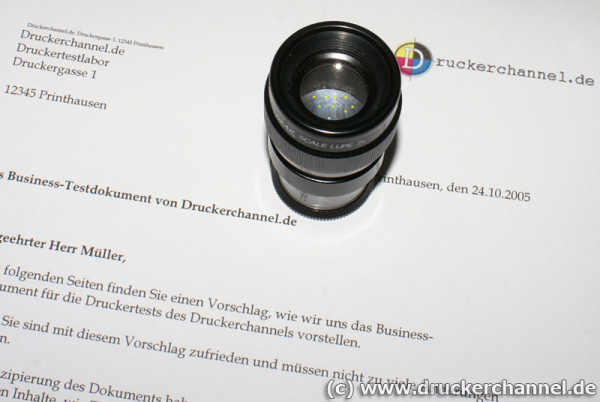

Identifying the printer: If you take a very close look at a color laser print, you might find very tiny yellow dots. With a magnifying glass, a microscope, or a scanner you can see them better.
More on that you find in this article Code bei Farblasern entschlüsselt , which is available in German only at this time.
The yellow dots are arranged in such a way, that information like manufacturer, serial number of the printer, and the date the sheet was printed can be deduced.
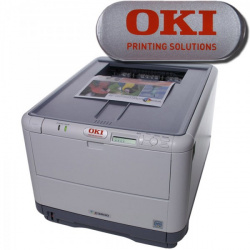
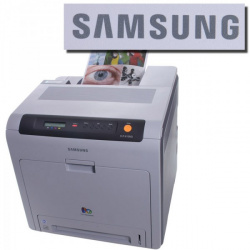
DC makes these infos visible using a simple filter trick. Brother, HP, and Kyocera print this code on every colored page, Oki and Samsung do not.
How to make the yellow dots visible
- 1. Print a page with colored elements, for example one of our templates
- 2. Print a page and scan a small section of it with 600 dpi
- 3. Invert the resulting picture
- 4. Highlight the yellow dots by using a channel mixer
- 5. Play with brightness and contrast to bring out the yellow dots even more clearly









Dieser Artikel wurde ohne generative KI erstellt.
26.02.09 15:57 (letzte Änderung)


